
Sites and Cameras Named Consistently
Logical groups and labels reduce confusion across floors, buildings and managed properties.
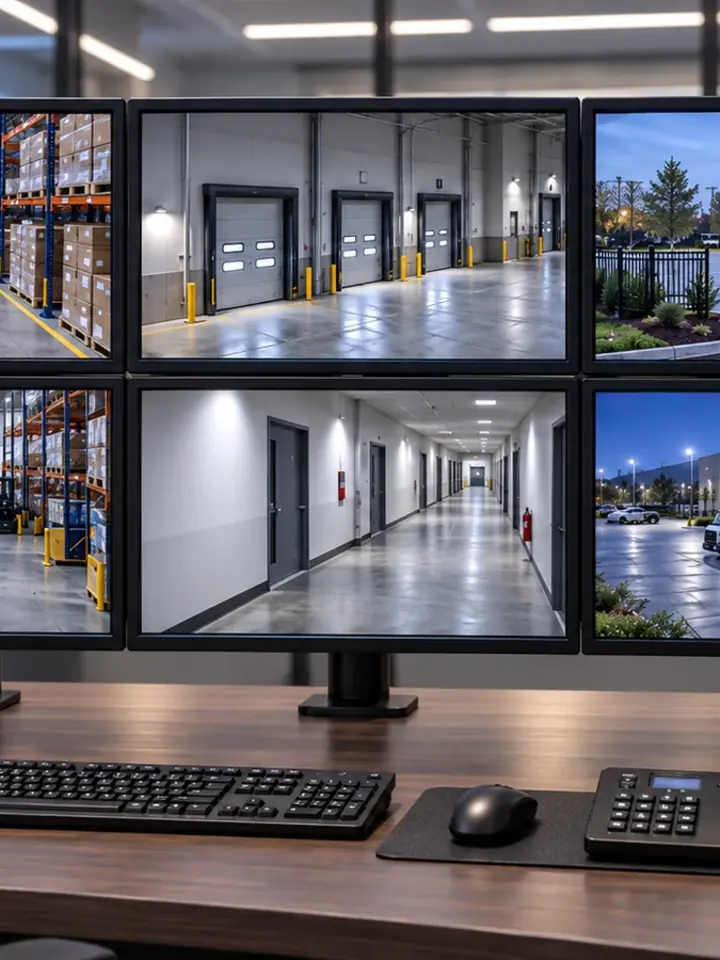
CENTRALIZED VIDEO, SEARCH AND OPERATOR CONTROL
A video management system brings cameras, recordings, events and user permissions into an interface built around how operators monitor and investigate activity.
Data Pro Communications - Daytona helps commercial teams define layouts, site groups, roles, search and export workflows before the platform is configured, so the VMS reflects operational responsibility rather than an undifferentiated camera list.
Logical groups and labels reduce confusion across floors, buildings and managed properties.
Live view, playback, export and administration can be separated according to customer authorization.
Operators practice retrieving representative video instead of receiving only a login.
Events from cameras or related systems are used only where platforms and workflows support the connection.
Licensing, server resources, storage and network capacity are reviewed for foreseeable additions.
A basic recorder interface may be enough for a small property. A VMS becomes more relevant when operators manage several buildings, many camera groups, multiple recorders, shared investigations or role-based access across sites.
The platform still depends on camera compatibility, network transport, server resources and storage. Its value comes from turning those components into repeatable live-view, event and evidence workflows for the people authorized to use them.

Arrange cameras by property, building, floor or operational zone for relevant monitoring layouts.
Use time, camera groups, bookmarks or supported metadata to find and share authorized evidence.
Assign access by responsibility and reduce reliance on shared administrator credentials.
Display supported camera or system events within a defined customer response process.
Give property-management or facilities teams a consistent method for reaching several locations.
Size processing, memory, graphics and network interfaces for the supported camera and operator workload.
Confirm device, feature and client requirements for the proposed platform and future additions.
Coordinate local or enterprise user management with the organization responsible for access control.
Plan bookmarks, exports, audit information and retention within the capabilities of the selected system.


Use recorder-focused deployment when one property's live, playback and retention needs do not require a broader VMS.

Bring supported analytic events and search metadata into an operator interface where they can be reviewed responsibly.

Move inherited cameras and recorders into a planned management platform when compatibility and transition risk are understood.

Coordinate selected door events with nearby camera context only when both systems and customer workflow support it.
Identify who watches live video, who investigates recordings and who administers the platform.
Define sites, buildings, camera groups, layouts, events and naming before bulk configuration.
Check devices, servers, storage, clients, licensing and network paths against the planned workload.
Have authorized operators perform representative viewing, search, export and escalation steps.
FAQ
A VMS is software and supporting infrastructure used to organize cameras, recordings, events, users and operator workflows across one or more commercial sites.
A VMS may be appropriate for many camera groups, several buildings or sites, role-based operators, centralized investigation, supported integrations or more advanced search and event workflows.
Yes, when the platform, device compatibility, network connectivity, licensing and security controls support multi-site operation. Each site's responsibilities should remain clear.
Access can be assigned by site, camera group and function, such as live view, playback, export or administration. The customer identifies which roles are authorized.
Some systems can associate supported door or alarm events with camera views. Compatibility and the customer's review process must be verified; the VMS does not replace the access-control function.
It depends on platform architecture, camera count, recording workload, availability requirements and client demand. Server, storage and network resources must meet the supported design.
Names should identify the site, building or zone and the scene in language operators understand. Consistent naming is especially useful across portfolios and multi-building properties.
Supported analytic events and metadata may be displayed or searched through the VMS. The underlying camera view and analytic limitations still determine usefulness.
Authorized operators should perform representative live viewing, search, playback, export, event handling and permission checks from the actual client environments.
List sites, cameras, recorder types, user roles, investigation tasks, integrations, retention needs, IT standards and expected growth. Those requirements shape platform fit.
Describe the number of sites, camera groups, user roles and the tasks that are difficult in the current system. That operating map helps determine whether a VMS is appropriate and what infrastructure it would require.